Traditional photo shoot

3–7 days
Studio + crew + equipment + retouching
From about ₽5,000 per product or shoot
AI CONTENT TO GROW YOUR PRODUCT
Turn an everyday smartphone photo into sales-ready images, descriptions, and product details.
Try it free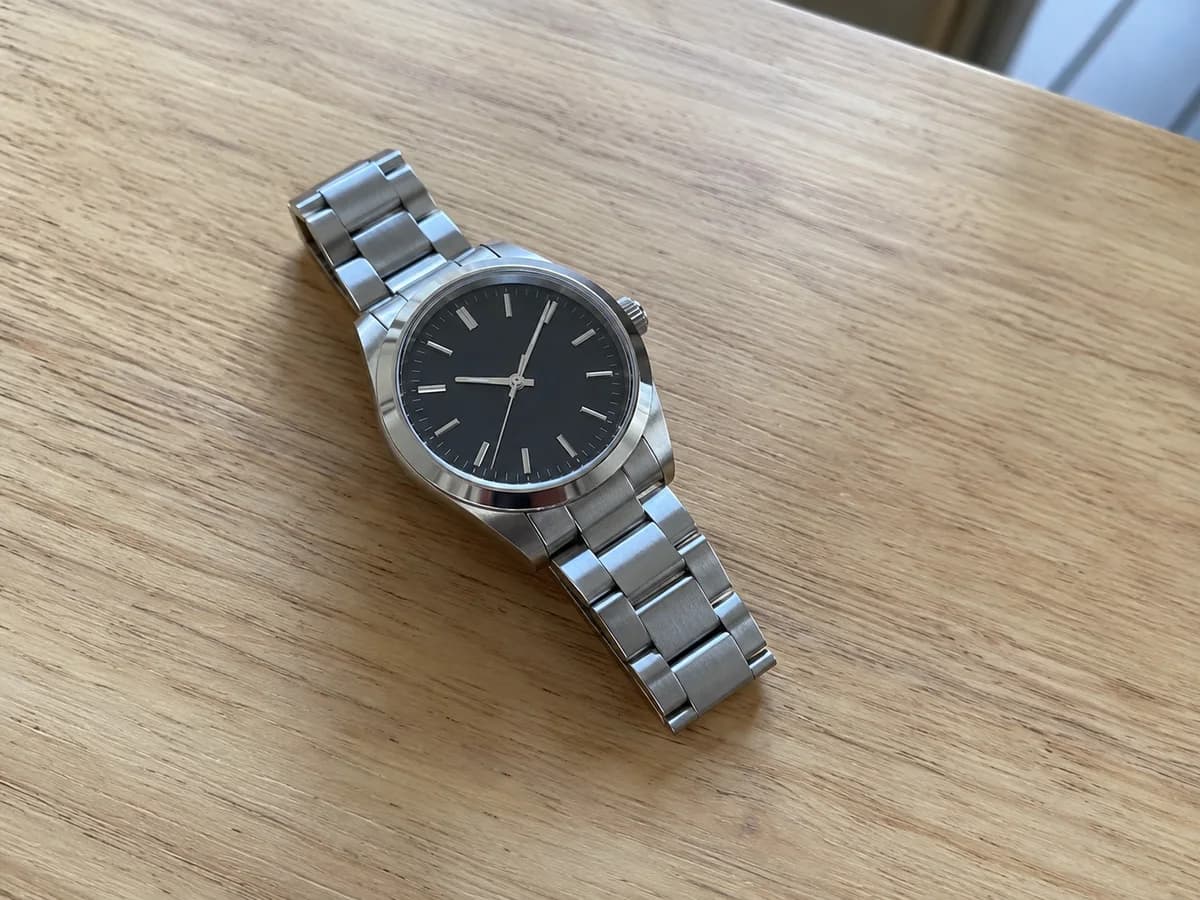

Skip the slow, expensive production process.
 AvelikaAI product photo studio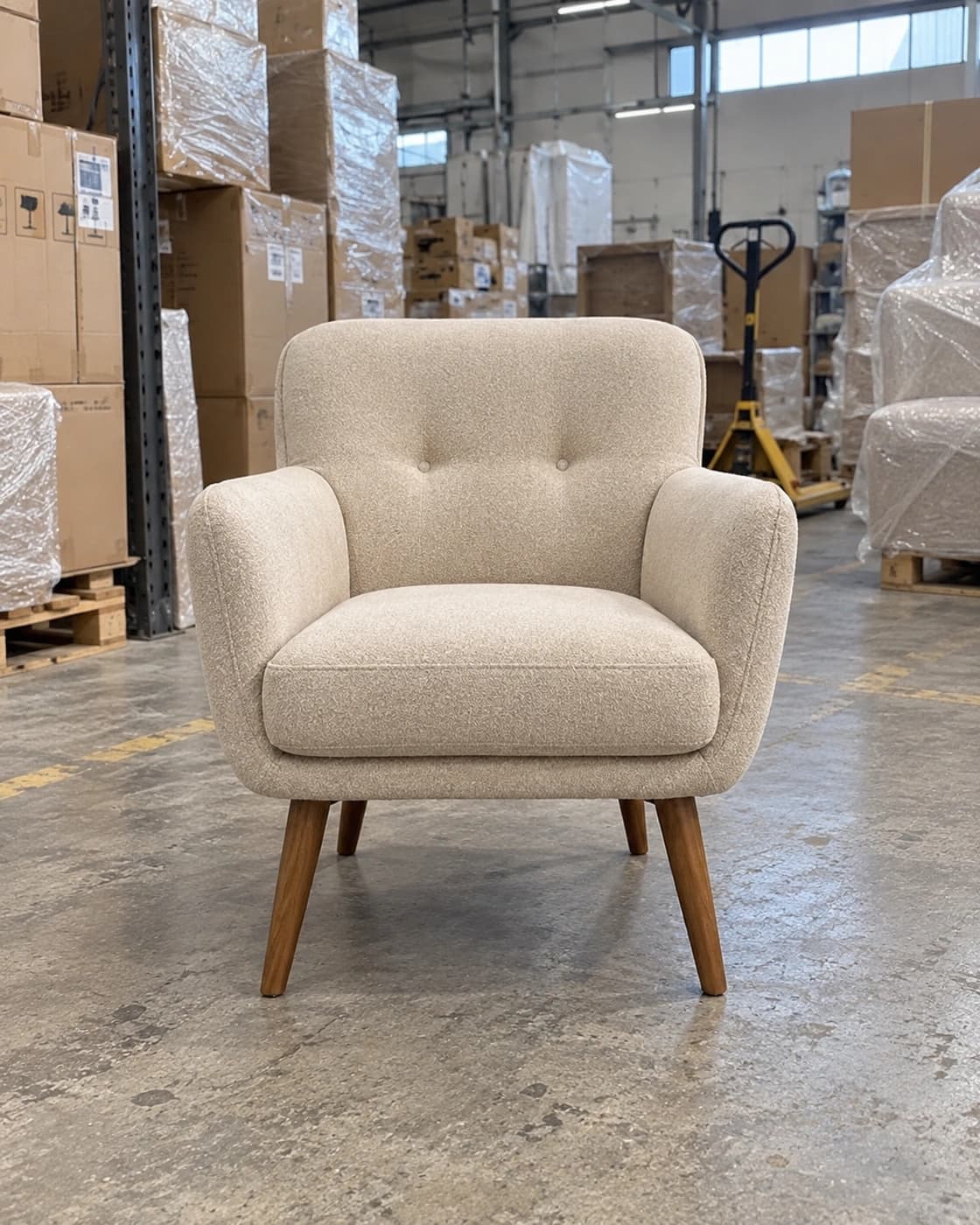
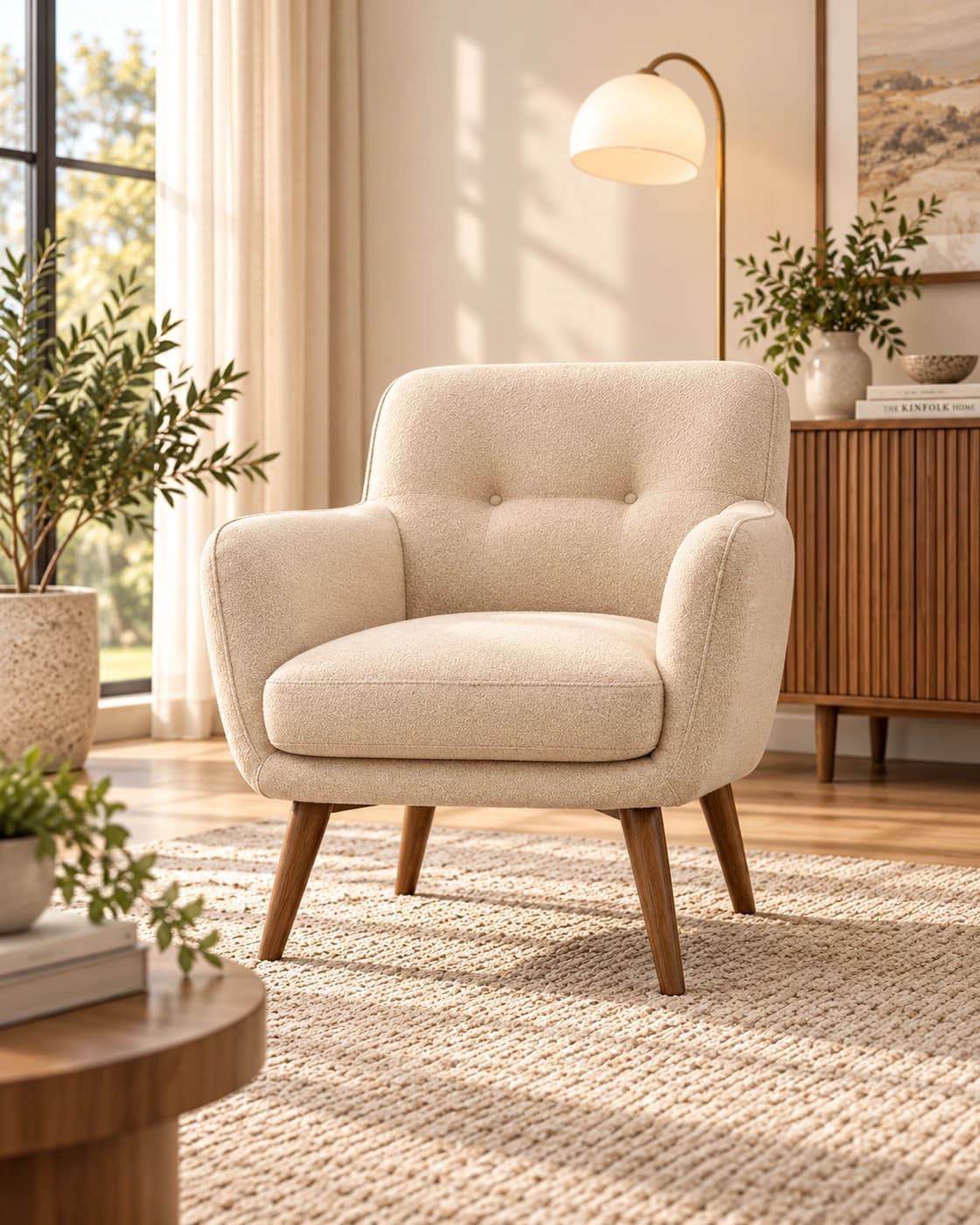
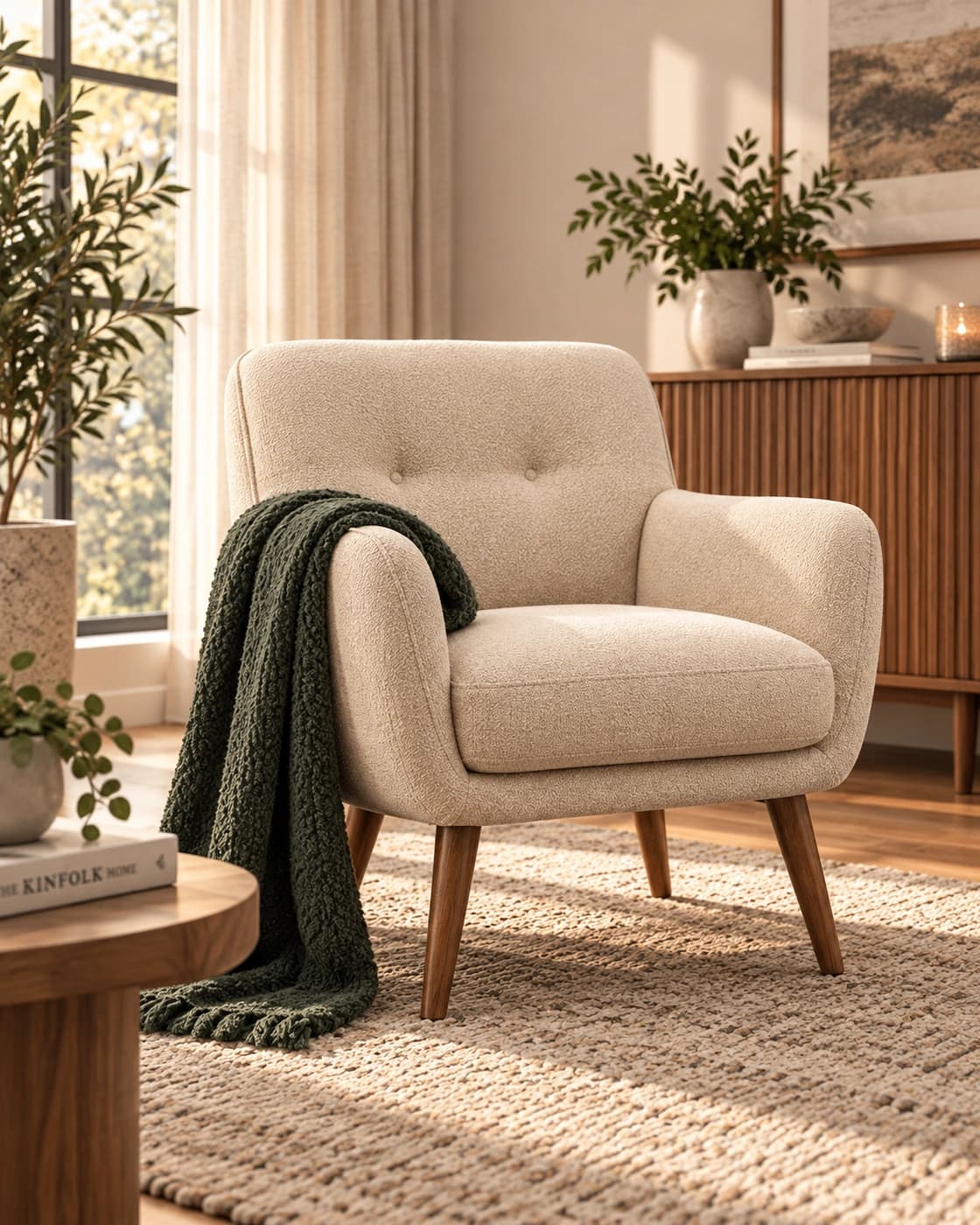
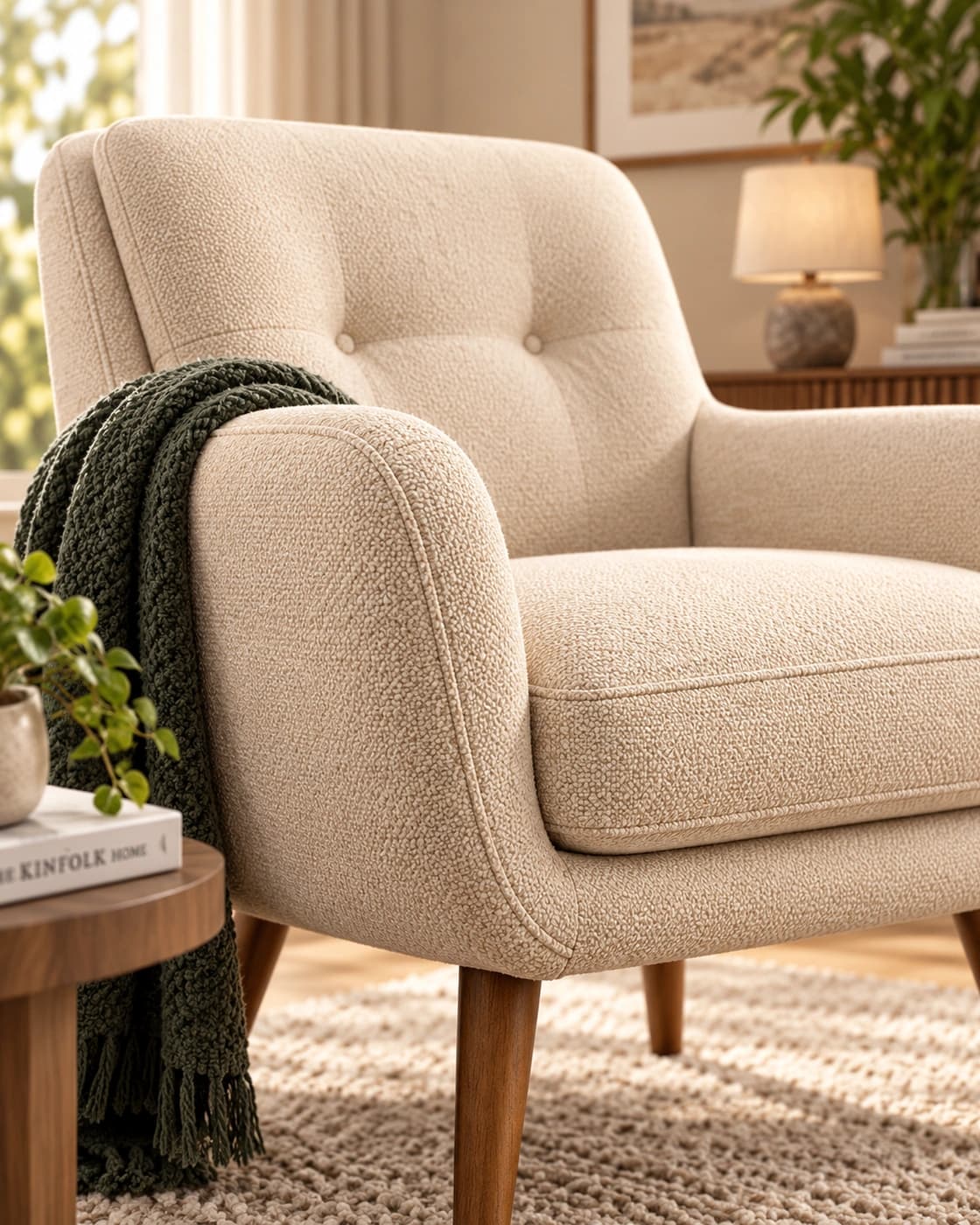
An everyday smartphone photo works.
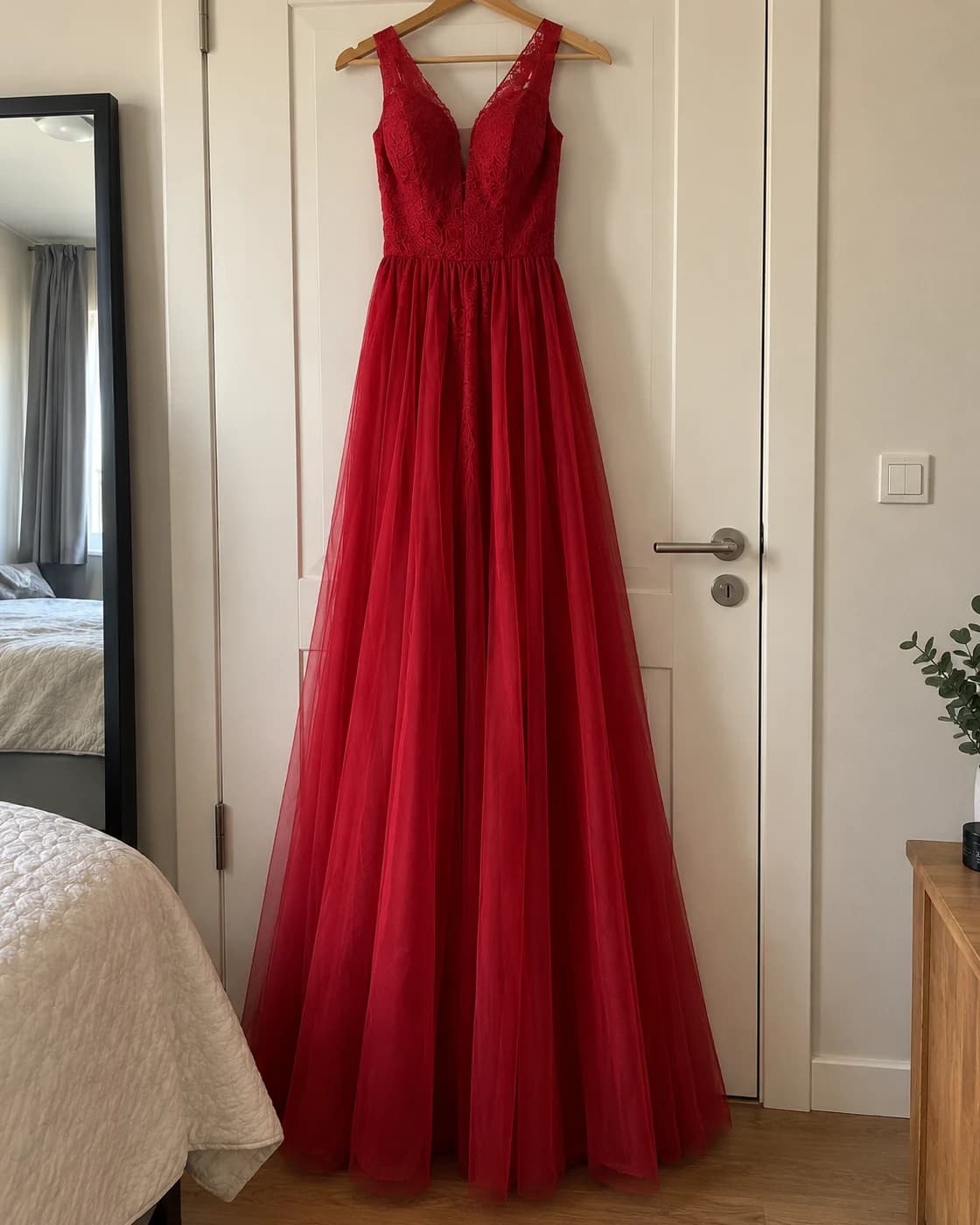
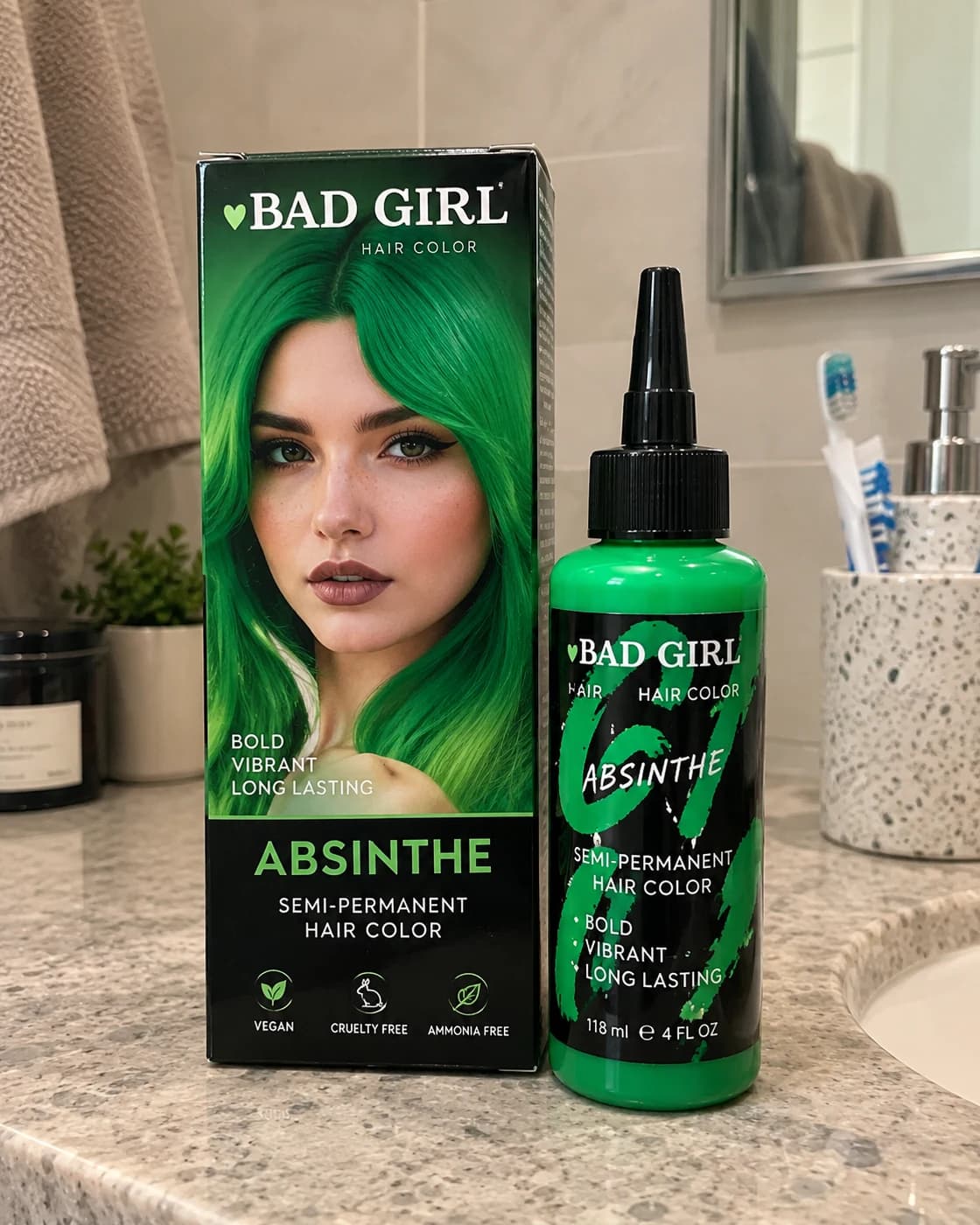
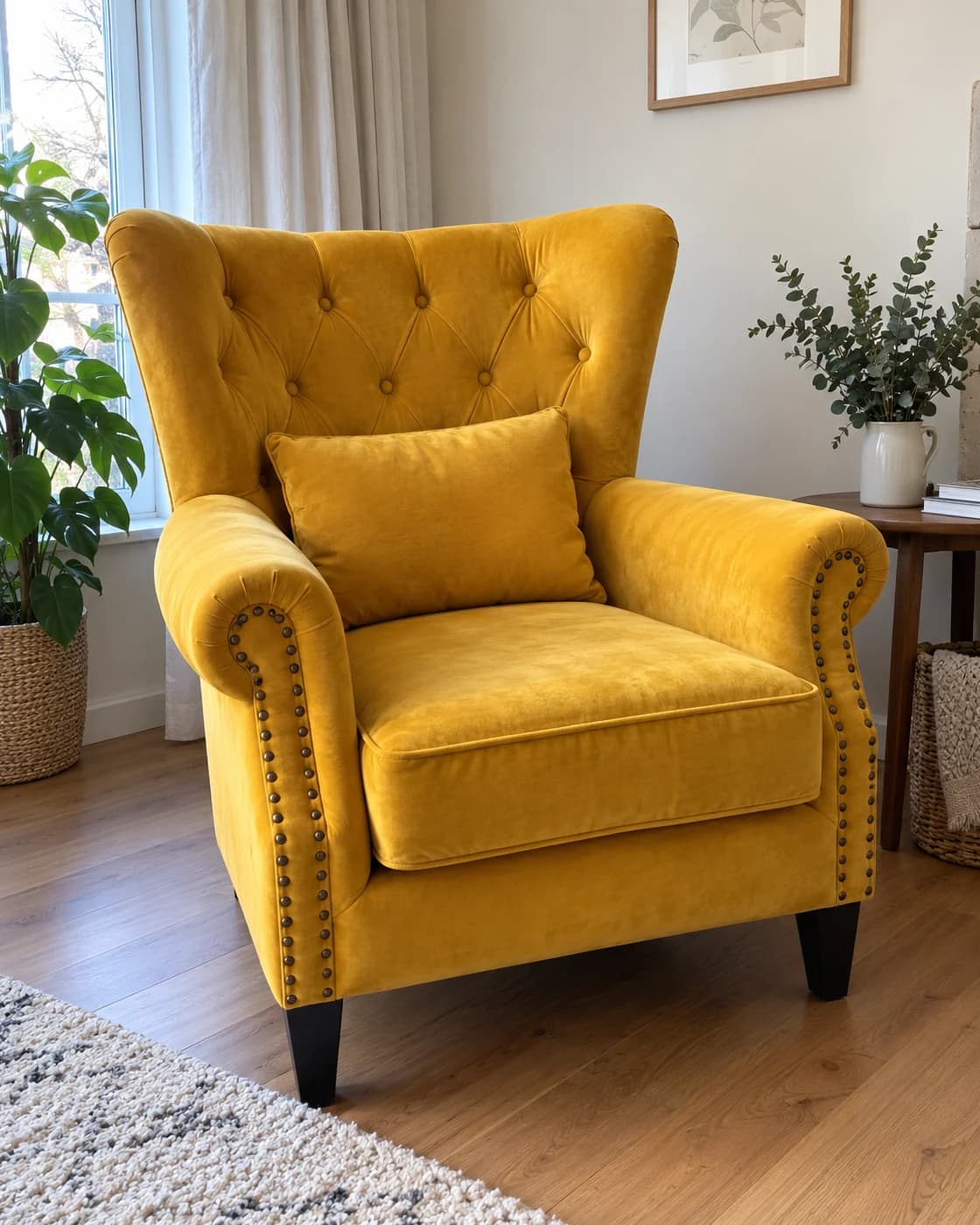
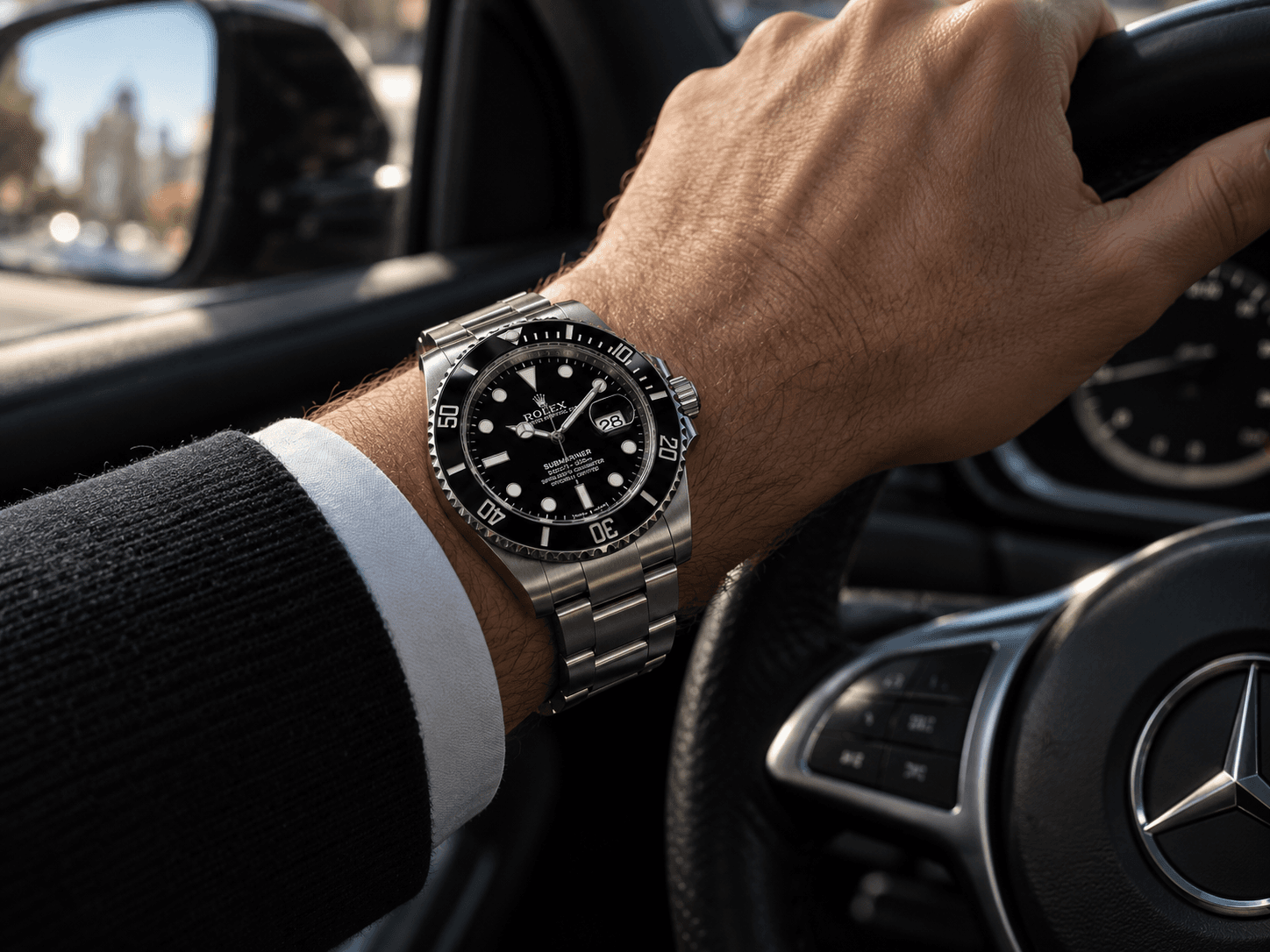
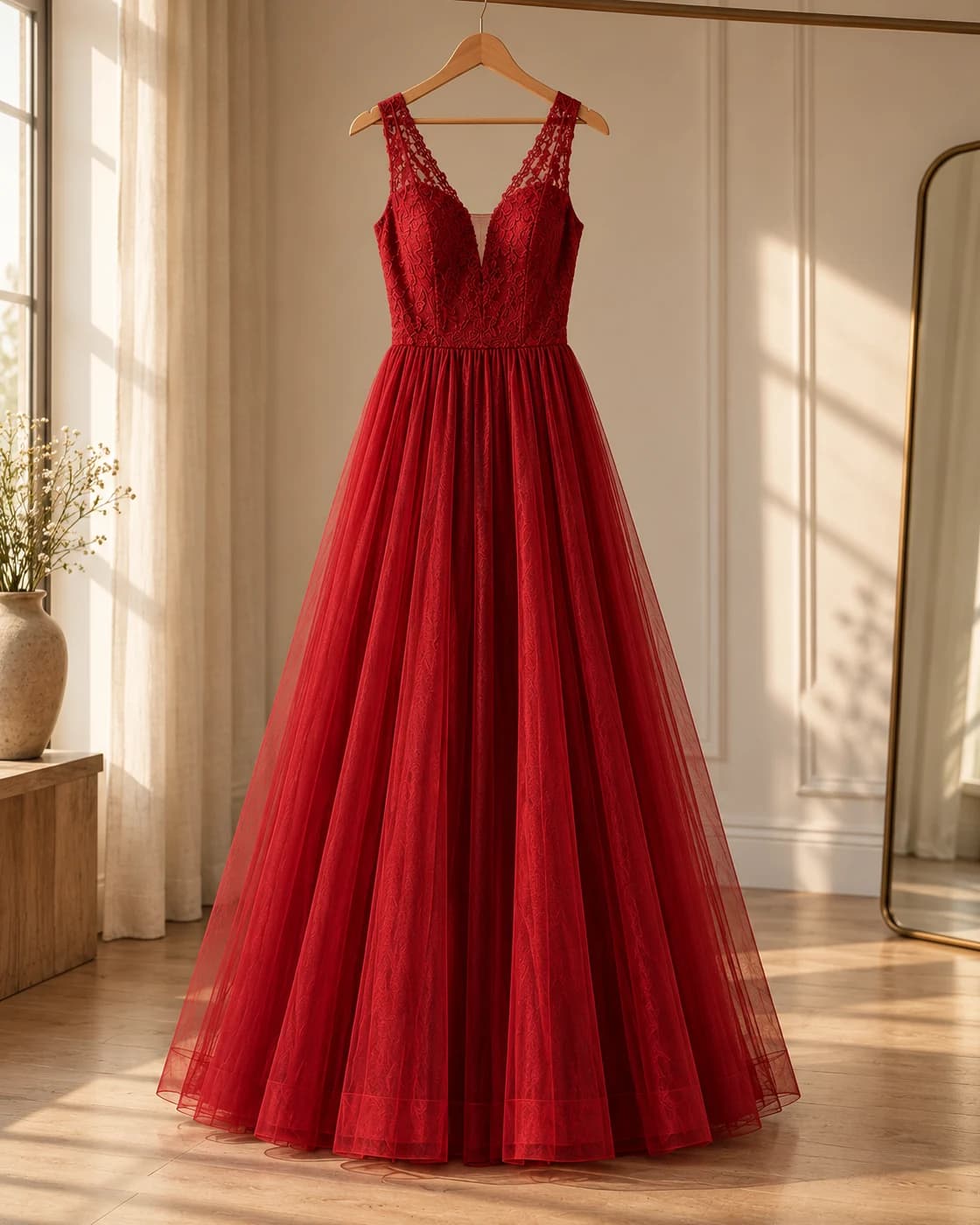
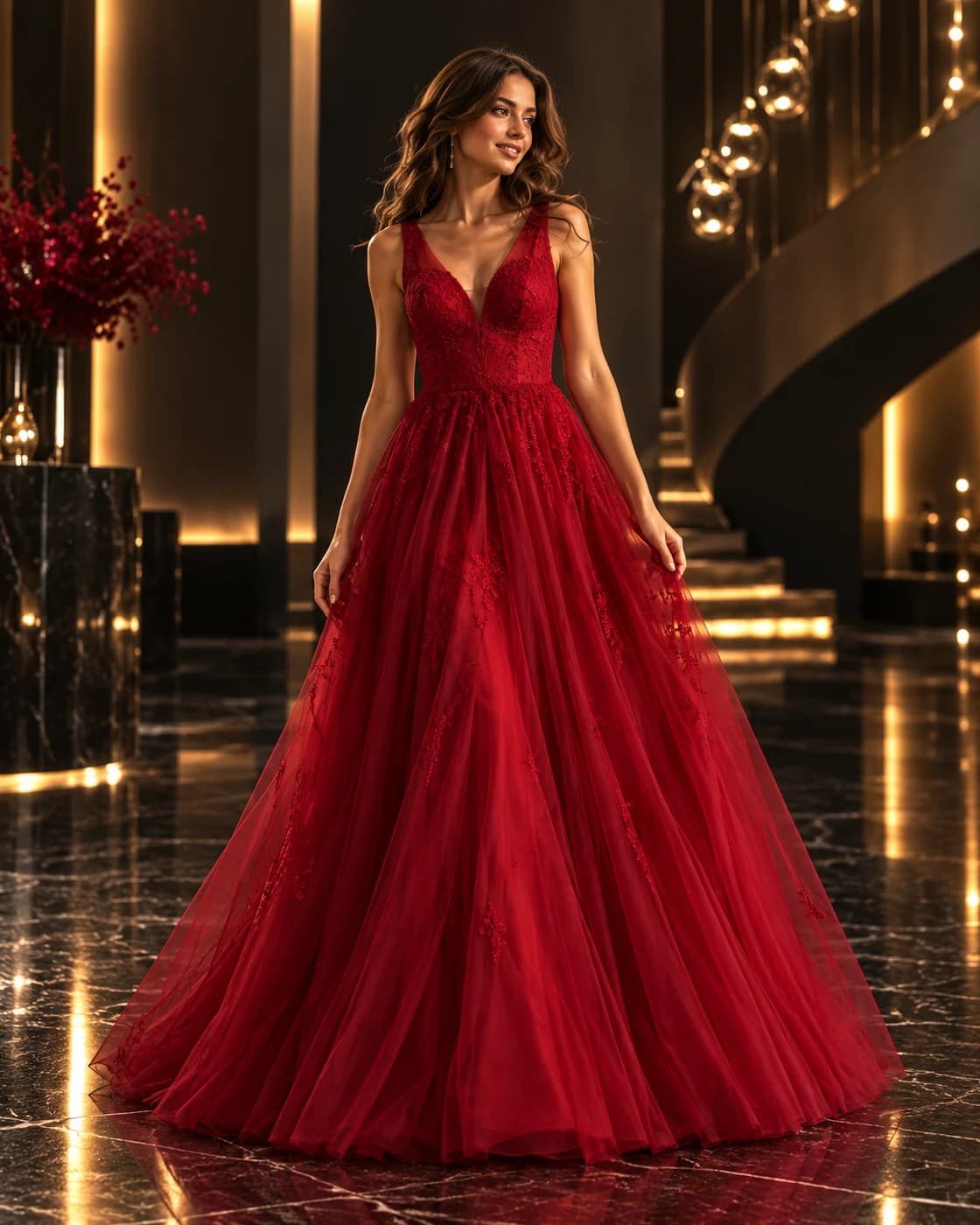
Catalog, on-model, lifestyle, interior, detail shots, and more.
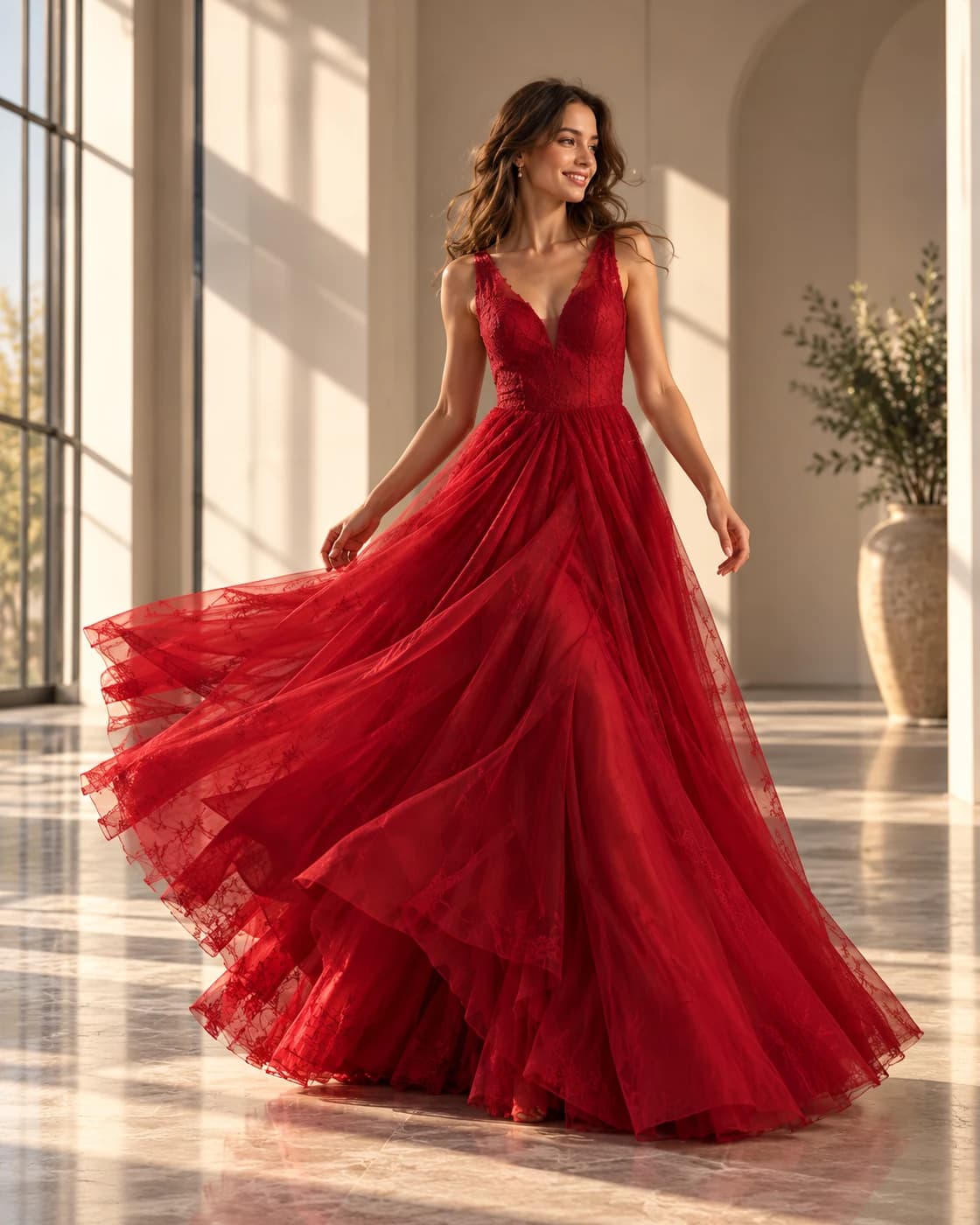
Images, infographics, copy, and product details — ready to publish.

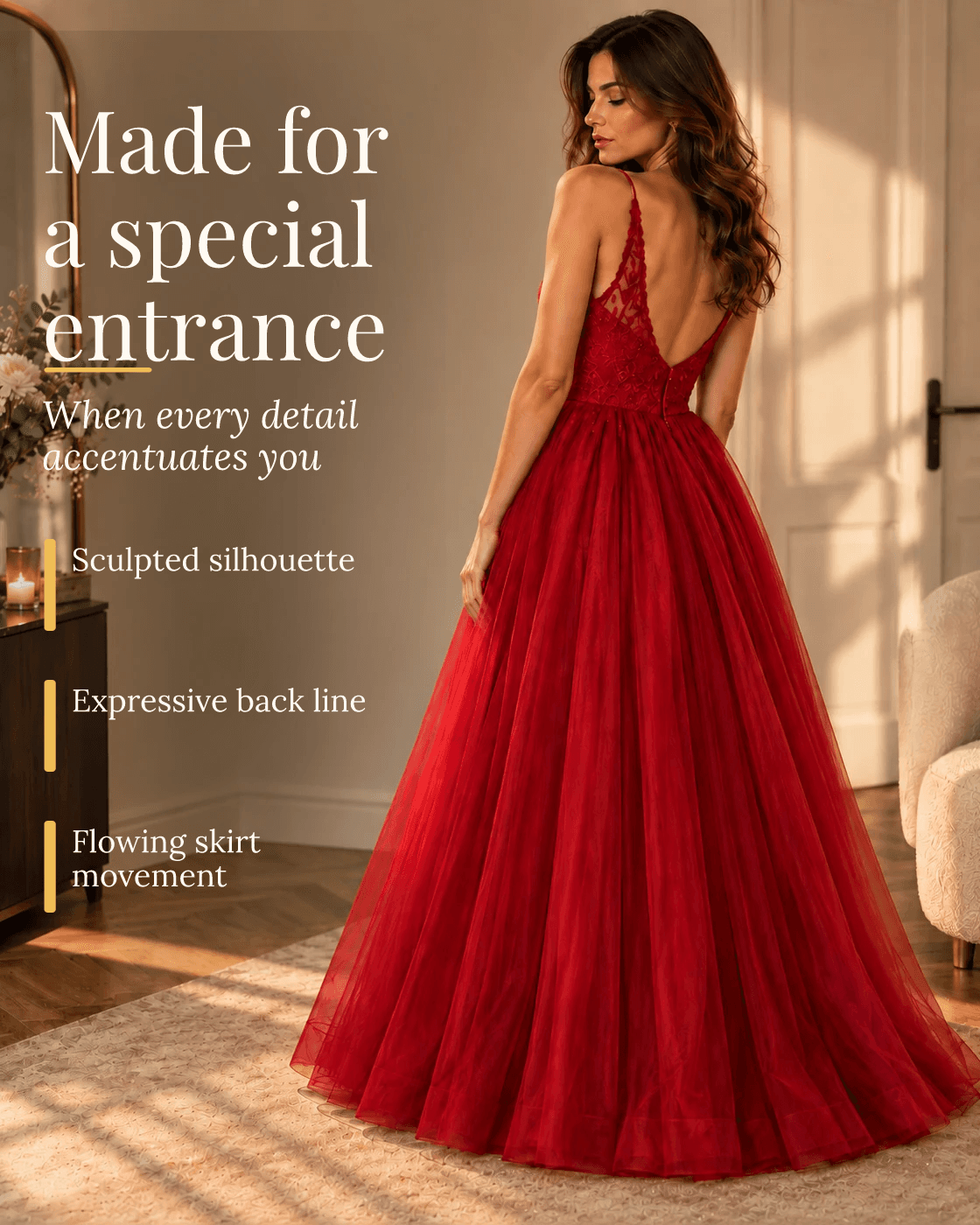
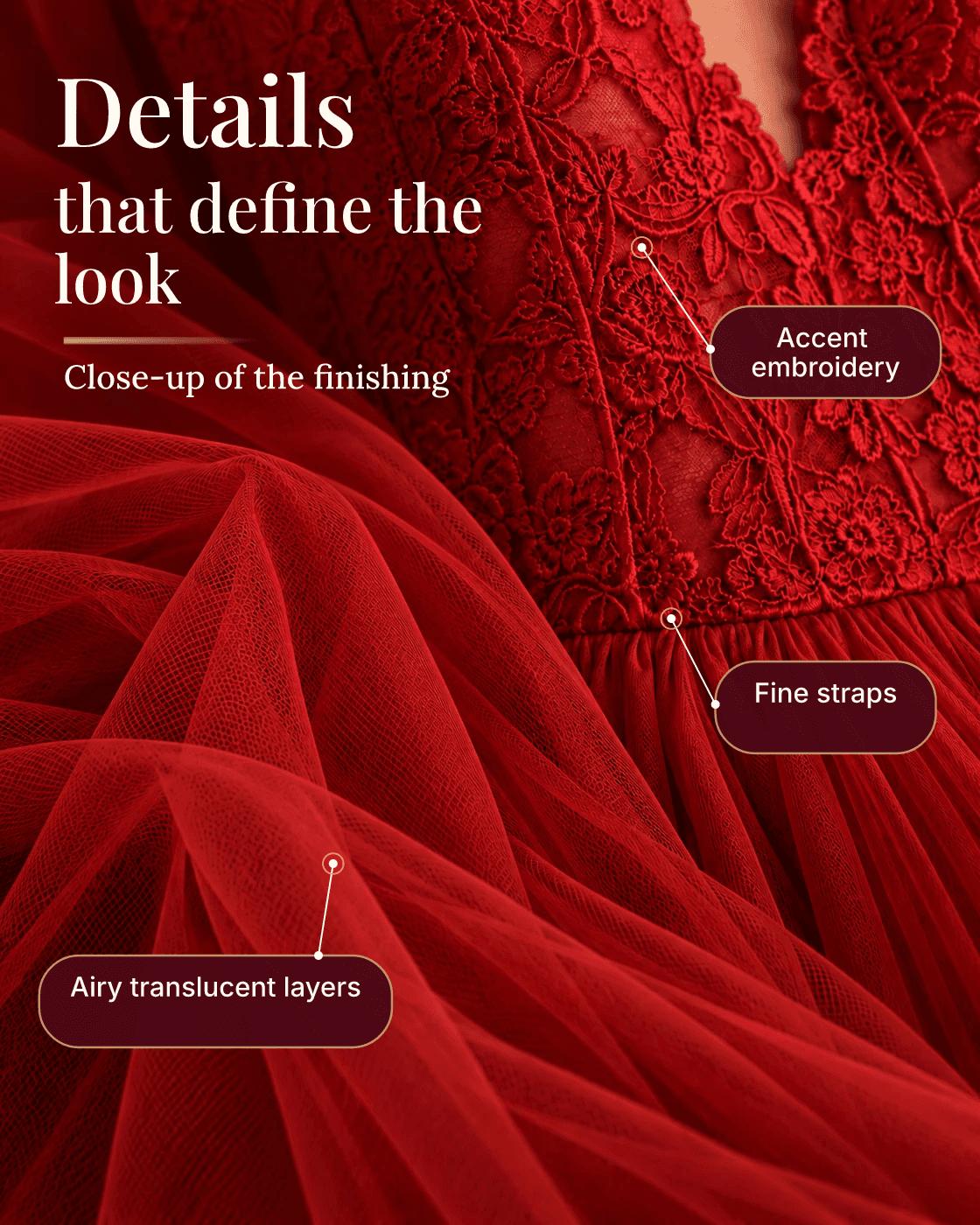

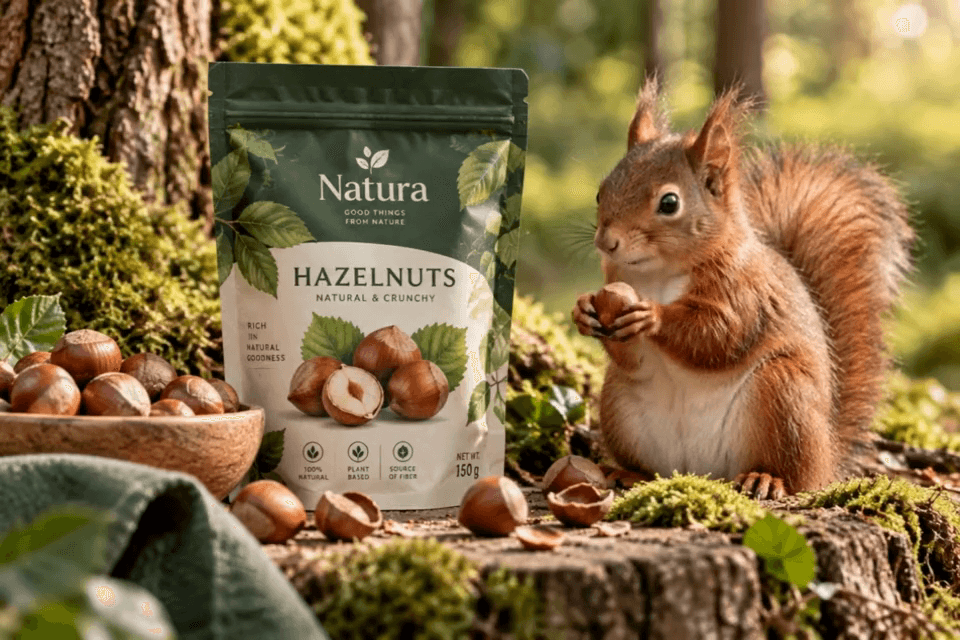

Short commercial videos for social media, advertising, and marketplaces. Portrait videos stay portrait — without cropping the face or product.
Upload your photo, optionally add clothing, and get a series of shots in different styles and locations.

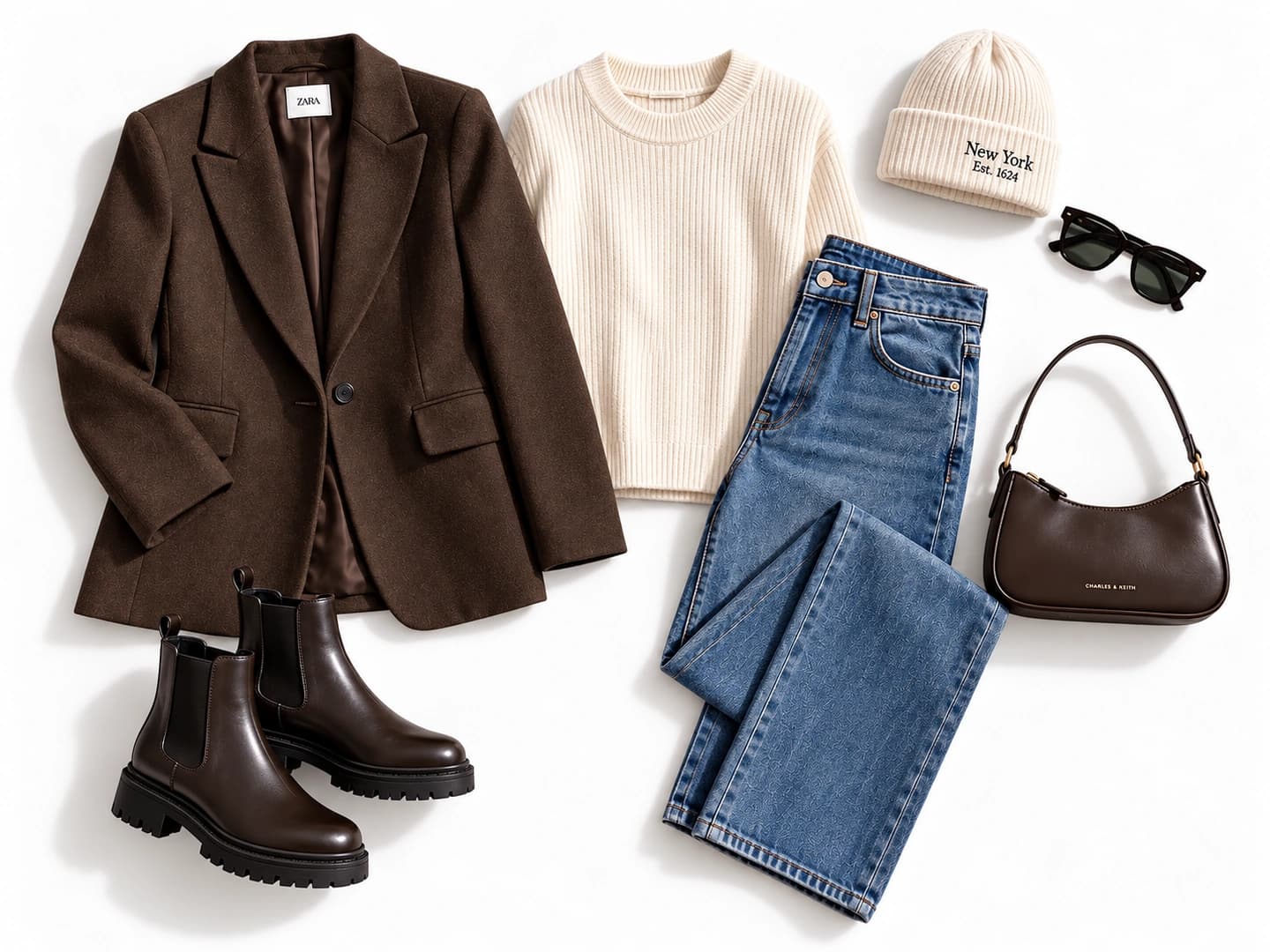
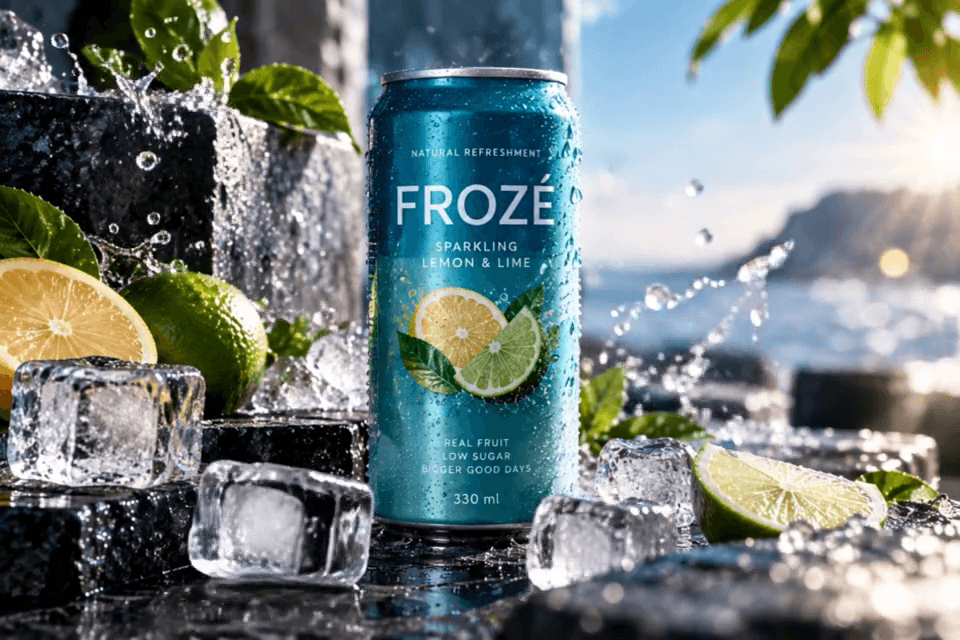
One product, two images. Compare the original photo with the finished commercial visual.
Detailed copy, visible features and product benefits — based on the photo and seller data.
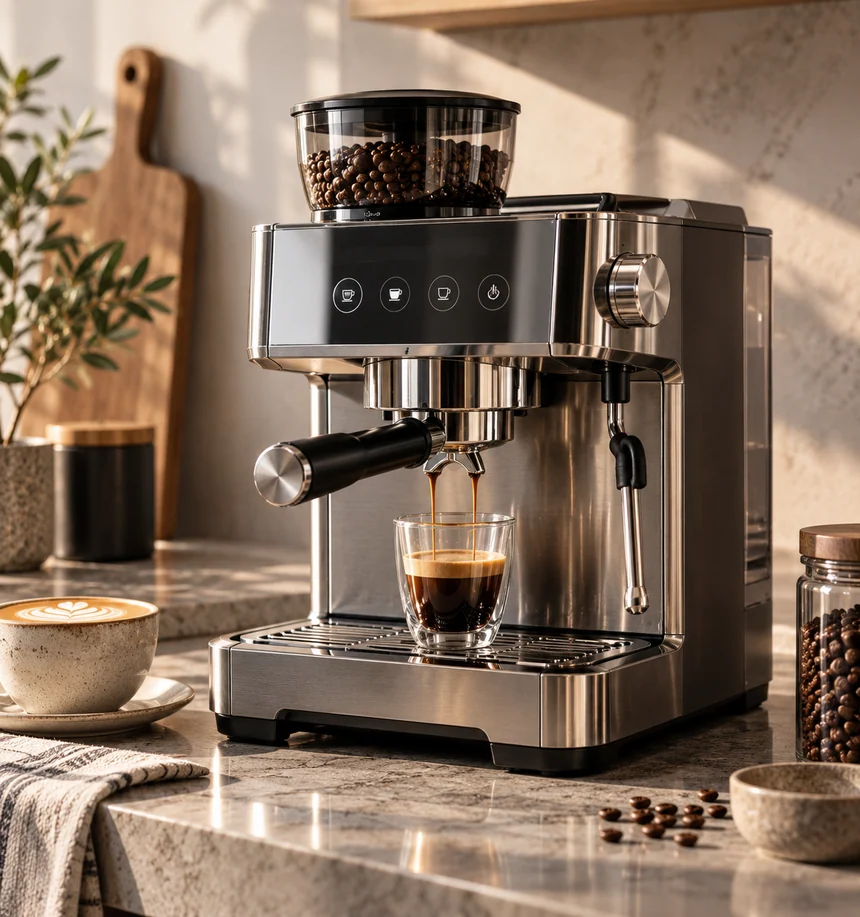
A silver-and-black portafilter coffee machine with a transparent bean hopper. Round controls are visible on the front, with a rotary dial and tubular attachment at the side. Contrasting inserts emphasize the modern finish.
Connect product image generation to your own stores, catalogs and internal systems. Automate content preparation for large assortments, manage jobs and receive results through the API.
Upload a product photo, choose a suitable styling idea and start generation. You can view and download the result in the workspace. You do not need to write prompts, choose an AI model or learn complex graphics editors. For the best result, make sure the original photo accurately shows your product.
Smartphone photos in JPG, PNG or WebP are suitable. Ideally, the entire product is in focus and logos and small details are easy to read. The workflow provides for uploading up to five source photos of one product. Different angles are especially useful for electronics, shoes, bags, packaging and complex shapes.
Source photos form the basis of the image, taking into account the silhouette, color, material, visible elements and brand details. Generation does not guarantee absolute identity: small lettering, seams, buttons or packaging elements can sometimes change. Compare the result with the real product before publishing, especially for branded goods or electronics.
Avelika provides for cards with text, specifications and benefits, as well as image series with a consistent design. These scenarios depend on the current Workspace release. Include only verified specifications: dimensions, composition and power cannot be reliably determined from a photo. Check text readability and product accuracy on every card.
Images can be used when preparing listings for different platforms, but requirements vary by marketplace, category and image role. Amazon has strict background and no-advertising-graphics requirements for the main image; additional images may show details and benefits. Wildberries allows infographics, but overloaded labels and promotional slogans can lower a listing’s evaluation.
The current upload contract supports JPEG, PNG and WebP source photos, up to 20 MB per file. Specific resolution, aspect ratio and available result download formats depend on the scenario and application version. Check the chosen platform’s requirements before publishing: not every image role allows the same proportions or design.
Avelika provides for creating short videos from product images. Availability depends on video generation activation and the current plan; if the feature is not enabled in Workspace, the landing demonstration shows a capability rather than promising immediate access. Before publishing a video, check that the product, logos and text are not distorted during movement.
A photo can support a meaningful description of appearance, shape, finish and possible uses. For an accurate listing, add seller data: dimensions, power, composition, capacity, included items and other documented specifications. These values cannot be reliably recovered from an image alone. Landing examples demonstrate writing quality, not certified specifications.
Timing depends on the task type, result size, current queue and AI provider availability. An ordinary product image and a short video are processed differently, so there is no single guaranteed duration. Job status is shown in the workspace. Failed generation or a need for review is reflected in the job state.
The initial product configuration provides for awarding 8 welcome credits to new users if the program is active for their account. Generations consume credits at the selected scenario’s cost. Check the interface for the exact available balance and action price before starting. Demonstration prices in the design mockup do not confirm current pricing or payment availability.
Public API V1 describes creating a product image generation job and retrieving its result status using an account key. Bulk catalog processing, video and card series are not declared available methods of this API. The architecture is evolving toward large catalogs, but 50,000 SKUs is not verified performance. Current methods and limitations are listed in the API documentation.
Photos are used to analyze the product, perform the chosen generation and store the result in a project. External AI model and cloud infrastructure providers may be involved in processing. Upload only materials you have the necessary rights to, and avoid unnecessary personal information. Storage, deletion and processing terms are governed by Avelika’s current privacy policy.
Upload a photo and create commercial images and product cards for sale.
Choose the volume for your current task.
To get to know the service
For regular product work
For active catalog work
For business and larger volumes
For large teams and continuous content
Volume and terms for your task
Payments are unavailable. No purchase or credit grant is performed.